
Cayenne Hot Tips
Web Browser Hygiene
MildWorth knowing

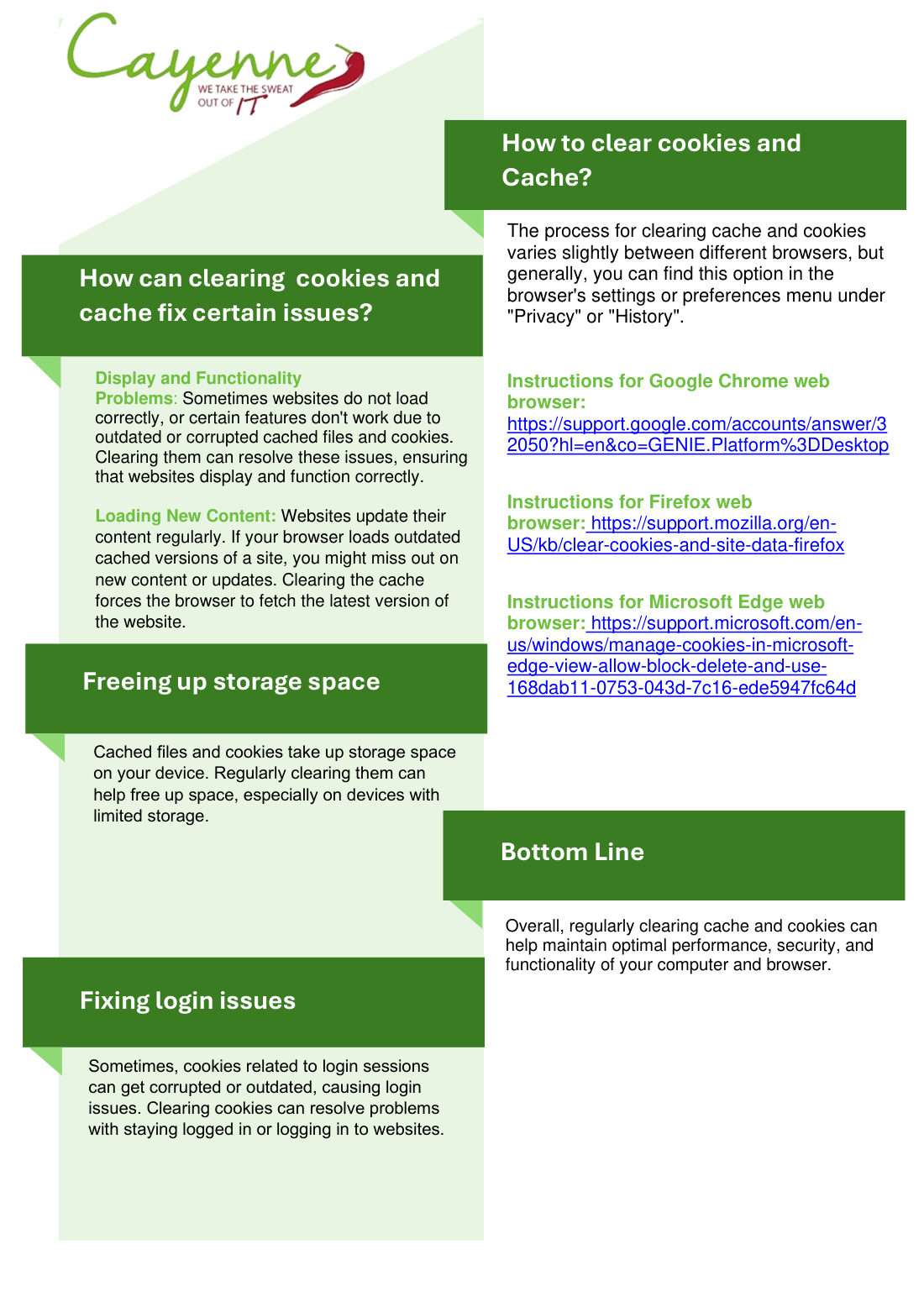
The same note, in words
These steps help protect sensitive information, reduce the risk of a data breach, and keep the web browser running well.
## What Are Cache Files?
Why: Browsers store temporary files so sites load faster the next time.
Benefit: Clearing them frees space and can speed the browser up.
How: In the browser settings, clear cached files. The sites will load fresh the next time you visit.
## What Are Cookies?
Why: Cookies are small files a site stores so it can remember you and keep you signed in.
Benefit: Clearing them can speed the browser up when too many have piled up.
How: Clear cookies in the browser settings. You will need to sign in to sites again.
## Does Clearing Cookies and Cache Help Security and Privacy?
Why: Some cookies track browsing across sites. Saved sign-ins can stay on a shared computer.
Benefit: Clearing them removes that stored information.
How: On a shared or public computer, clear cookies and cache before you walk away.
By Cayenne Team