
Cayenne Hot Tips
QR Code Scams – Stay Safe When Scanning
HotDo this before it costs you.
The same note, in words
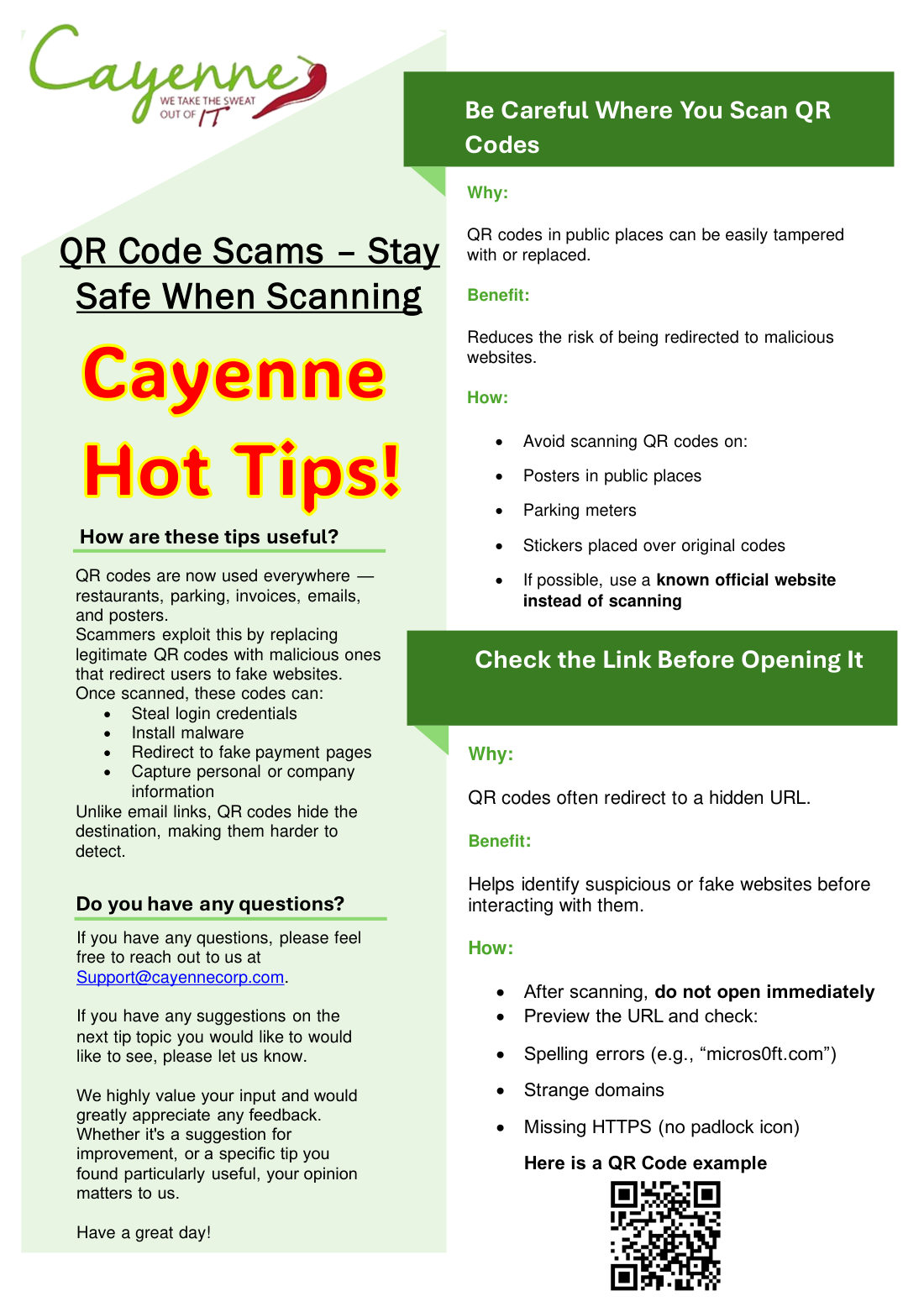
QR codes are now used everywhere: restaurants, parking, invoices, emails, and posters. Scammers replace a real code with a fake one. Once scanned, it can steal a login, install malware, send someone to a fake payment page, or capture personal or company information. Unlike an email link, a QR code hides the destination.
## Be Careful Where You Scan QR Codes
Why: QR codes in public places can be easily tampered with or replaced.
Benefit: Reduces the risk of being redirected to malicious websites.
How: Avoid scanning QR codes on posters in public places, parking meters, and stickers placed over original codes. If possible, use a known official website instead of scanning.
## Check the Link Before Opening It
Why: QR codes often redirect to a hidden URL.
Benefit: Helps identify suspicious or fake websites before interacting with them.
How: After scanning, do not open immediately. Preview the URL and check for spelling errors (for example, micros0ft.com), strange domains, and a missing padlock.
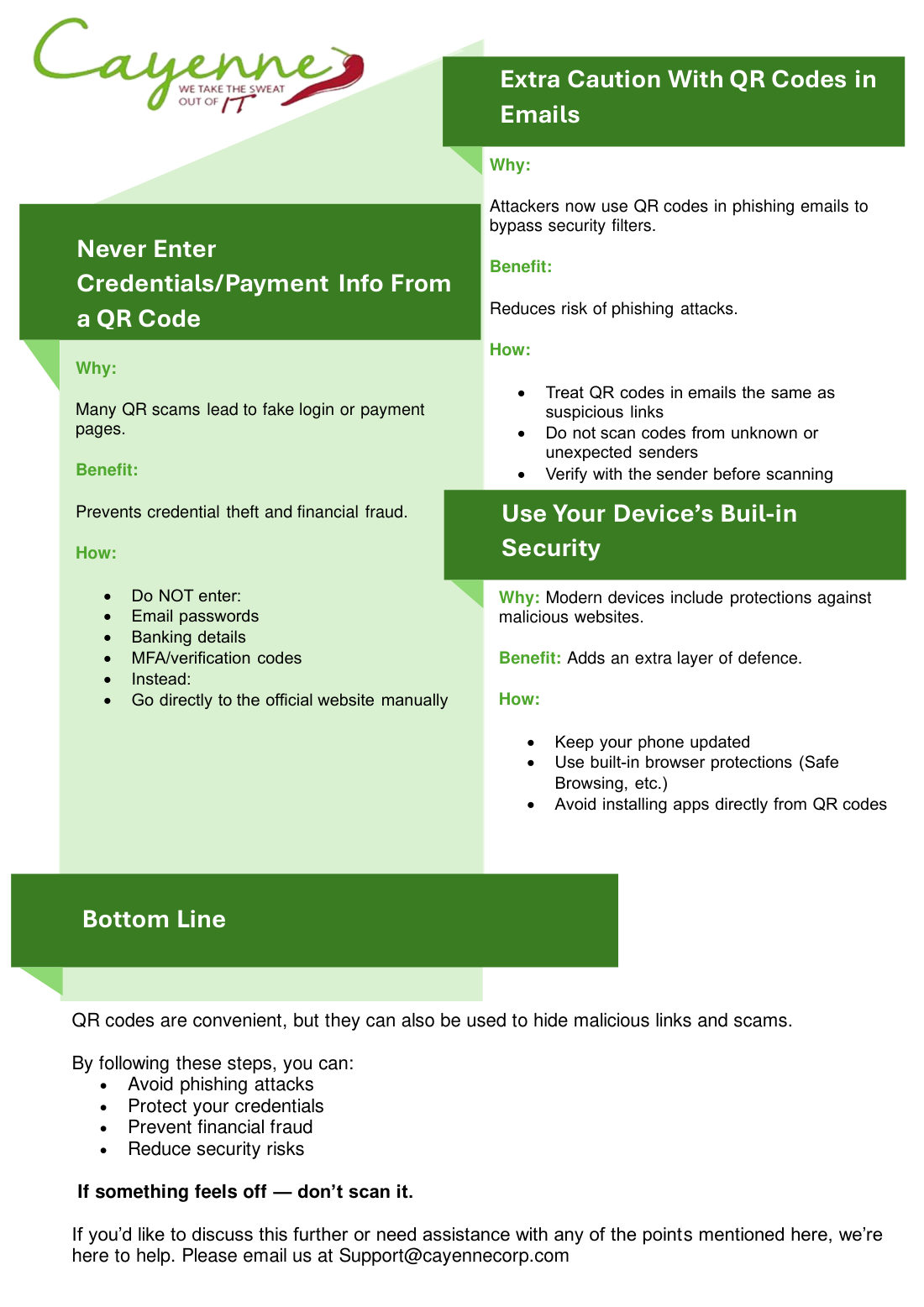
## Extra Caution With QR Codes in Emails
Why: Attackers now use QR codes in phishing emails to bypass security filters.
Benefit: Reduces the risk of phishing attacks.
How: Treat QR codes in emails the same as suspicious links. Do not scan codes from unknown or unexpected senders. Verify with the sender before scanning.
## Never Enter Credentials or Payment Info From a QR Code
Why: Many QR scams lead to fake login or payment pages.
Benefit: Prevents credential theft and financial fraud.
How: Do not enter email passwords, banking details, or verification codes. Go directly to the official website yourself.
## Use Your Device's Built-in Security
Why: Modern devices include protections against malicious websites.
Benefit: Adds an extra layer of defence.
How: Keep the phone updated. Use the built-in browser protections. Do not install apps directly from a QR code.
## Bottom Line
Why: QR codes are convenient, but they can hide a malicious link.
Benefit: These steps help avoid phishing, protect logins, and prevent fraud.
How: If something feels off, don't scan it.
By Cayenne Team