Cayenne Pulse
Issue #2 · Nov 10, 2026
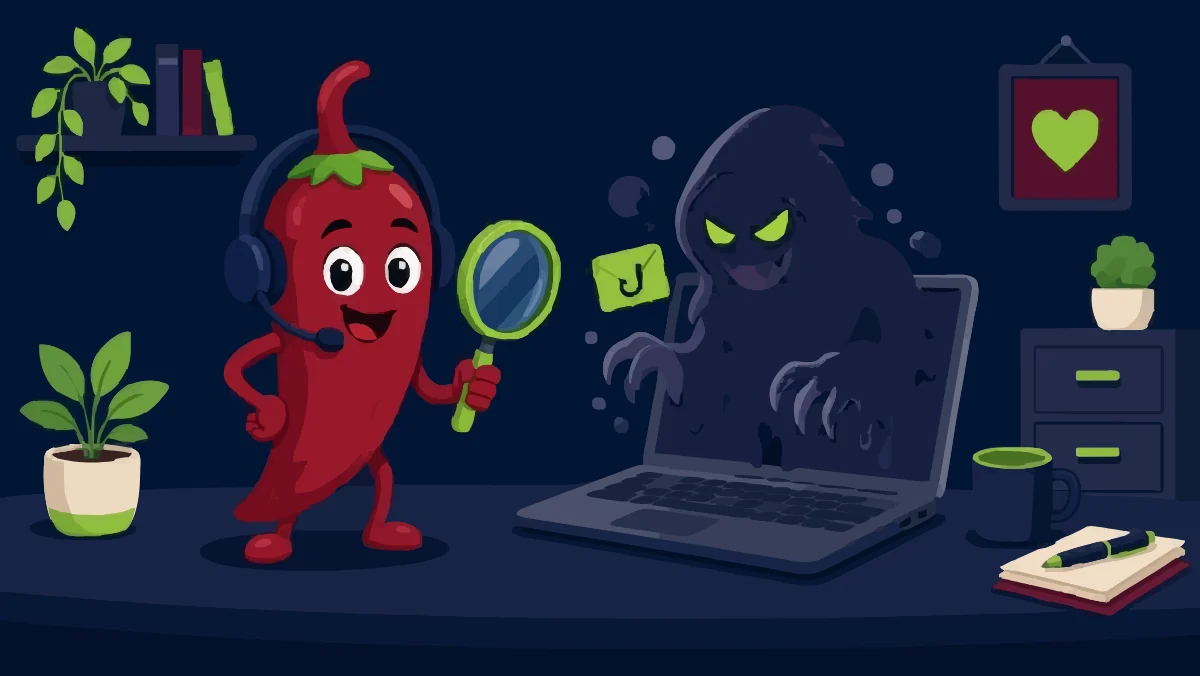
Our pepper's on hacker patrol, so you can stay chill.
Should you worry? 1 Good to know · 2 Keep an eye on it · 3 Check your settings · 4 Act this week · 5 Act today

One of our clients sent me this last week, and it's too clever not to share. If your inbox floods and then "IT" calls, hang up.
Shaya Katz, Cayenne Corp
THIS WEEK
Inbox flooded? Then "IT" calls. Hang up.
🌶️🌶️🌶️🌶️ Act this week
If your inbox suddenly floods with thousands of real newsletter sign-ups, and then "Help Desk" calls you on Microsoft Teams offering to fix it, hang up. Call your IT provider at the number you already have. The click they want, screen sharing, Quick Assist, or Allow, is how ransomware gangs like Black Basta get in.
This is heat 4 out of 5. Walk your team through it, and check a couple of Teams settings before Friday.
Takeaway: Inbox flood plus a surprise "IT" call means hang up. Call your IT provider at the number you already have.
Source: Microsoft Threat Intelligence
WHY IT WORKS
The call felt normal because her company used outside IT
🌶️🌶️🌶️ Check your settings
In the Sophos case, the employee's company really did use an outside IT provider, so a "Help Desk Manager" call on Teams didn't seem strange. She accepted it.
The caller is polite, and they're offering to help with a problem you can see. Teams, by default, can let outsiders start a chat or a call. There's often an External tag, but it's easy to miss when you're overwhelmed.
Sophos MDR later reported more than 15 incidents using these tactics in three months, half of them in just two weeks.
Takeaway: Ask us to limit external Teams chat to trusted companies only.
Source: Sophos MDR
How this scam plays out
First, attackers sign a work email up for hundreds or thousands of real newsletters at once. The messages are legitimate, so spam filters often let them through. Sophos saw one employee get more than 3,000 emails in 45 minutes.
Then, while that person is buried, a "Help Desk Manager" messages or calls on Teams from an outside account. Microsoft has seen names like Help Desk, Help Desk IT, Help Desk Support, and IT Support. They offer to stop the spam if you share your screen or open Quick Assist. You press Ctrl + Windows + Q, type a code they give you, and click Allow. Then they ask for control.
Once they have it, they can run commands, install a fake "spam filter update," and ask you to sign in so they can steal your password. From there they move through the network, steal data, and deploy ransomware. Microsoft, Sophos, and CISA have tied this playbook to Black Basta. CISA and the FBI said Black Basta had hit more than 500 organizations as of May 2024. Victims usually get 10 to 12 days to pay before their data is leaked.
Red flags
- A sudden flood of newsletter or sign-up emails, especially hundreds in a short time
- A Teams chat or call marked External, or an "IT" person you did not contact
- Anyone asking you to open Quick Assist or AnyDesk, share your screen, or type a code
- A request to approve an MFA prompt, password reset, or sign-in you didn't start
- Urgency: "We need to fix this right now"
What to do right now
Real IT never cold-calls you asking for access.
- Hang up. Don't click Allow, type a code, or share your screen.
- Call your IT provider at the number you already have. Don't use a number the caller gives you.
- Never give remote access or approve a login you didn't start.
- Tell your team this week, in plain language.
If you already clicked
Don't panic, but don't wait. End the Quick Assist or Teams session, and disconnect from the internet if you can. Call your IT provider and tell them whether you typed a password, clicked a sign-in link, or approved an MFA prompt. From a different device if you can, change your work passwords.
If files are locked or you see a ransom note, call your IT provider and report it. CISA and the FBI do not recommend paying. Payment does not guarantee you get your files back.
Three settings to lock down this week
- Restrict external Teams chat and calls to trusted companies only.
- Remove or block Quick Assist if your team doesn't use it. A remote-help tool should be one your IT provider already set up.
- Turn on stronger sign-in protection. Never approve an MFA prompt or password reset you didn't start.
Scam of the week
"Help Desk Manager" on Microsoft Teams offering to stop your spam flood. Never give screen control to a caller you didn't contact.
Source: Sophos MDR
Quick win
The flood can bury real sign-in alerts. Never approve an MFA prompt or password reset you didn't start.
Source: Microsoft Threat Intelligence
Questions? Call 718-704-0505 or write support@cayennecorp.com.
Want the next one by email? Reading this note is free.
Earlier notes
Welcome issue
Nov 4, 2026
One useful tech note a week, in plain English, rated in peppers so you know what can wait.